Operations Intelligence · Retail
Daily Sales Report Automation for Multi-Store Retailers
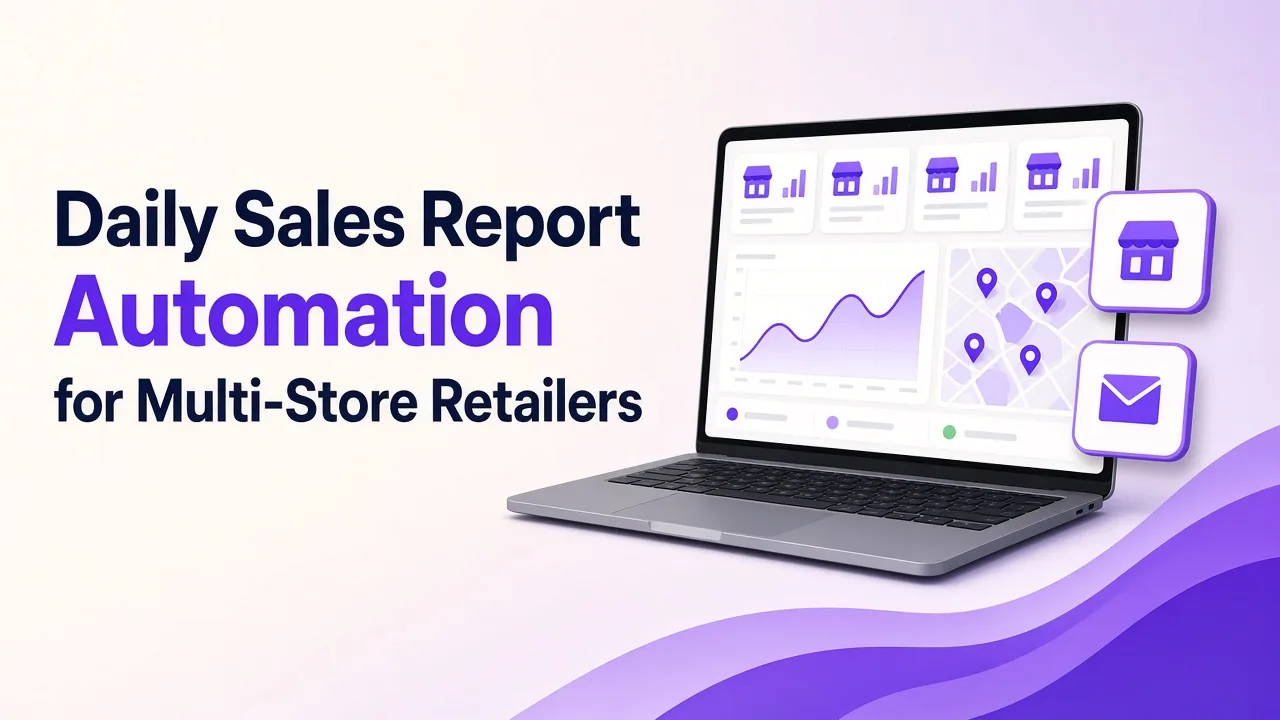
Daily sales report automation connects your point-of-sale, ERP and spreadsheets, cleans and matches the figures, and sends one morning summary of every store by email or WhatsApp. It flags stores and products that need attention, so owners decide on today's numbers, not yesterday's guesses. People still review and act.
It is 8:40 on a Monday morning in Birmingham. The owner of a home-furnishings chain has had one store manager's figures by phone, another's in a spreadsheet and a third's as a photograph of a printed sheet sent on WhatsApp. Two stores have not reported yet. One report uses last week's product names. She cannot tell whether a quiet weekend in one store was a real dip or a late report.
This article is for owners of established multi-store and multi-branch retail and distribution businesses who do not have a data team. It explains how daily sales report automation works, what you see each morning and where your people stay in charge.
Why are daily sales reports late and inconsistent?
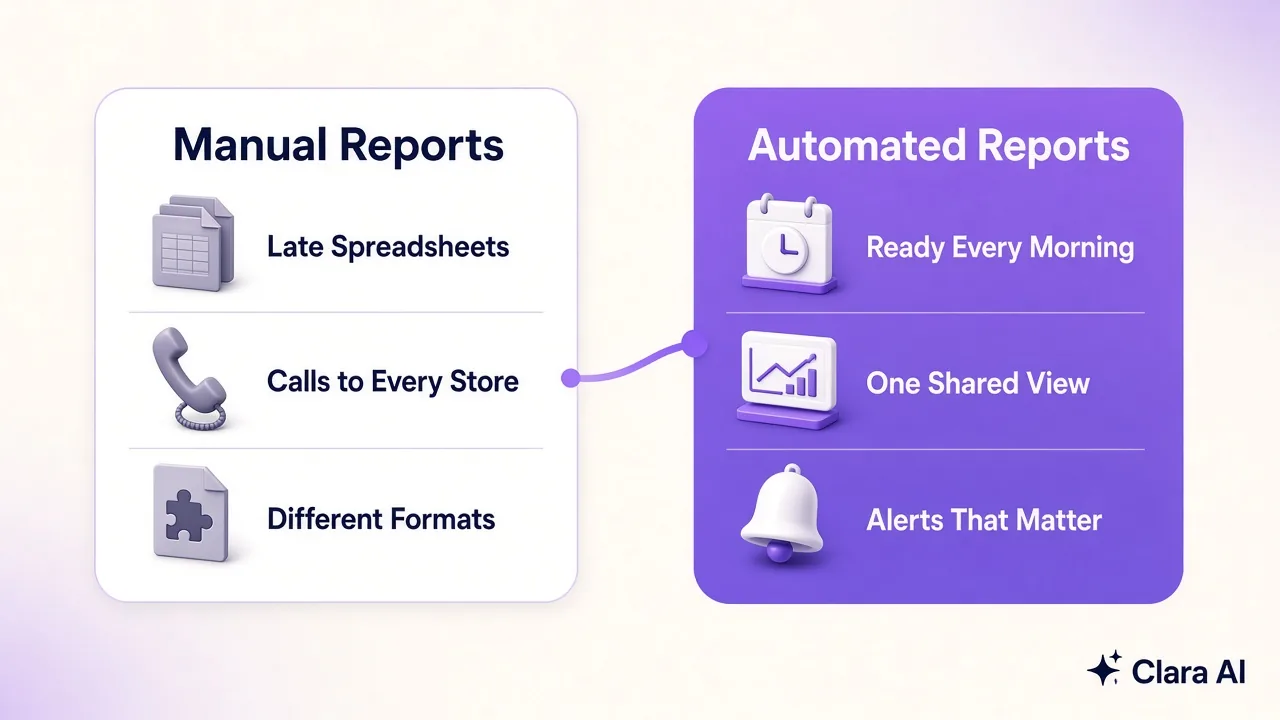
Each store reports in its own way. Figures come from tills, stock systems and the manager's own spreadsheet. Someone has to collect them, retype them and combine them.
That creates three problems.
- Delay. The report arrives mid-morning, or the next day, when the day's choices have already been made.
- Inconsistency. Stores name products differently, count returns differently and send different layouts, so comparisons turn into arguments.
- Hidden errors. A retyped figure can be wrong, and nobody notices until a total looks odd.
What does it cost the owner?
The cost is mostly time and missed signals, and it is easy to underestimate.
Time goes first. The owner, or a trusted manager, spends part of every morning chasing stores and checking totals instead of acting on them. That is skilled time spent on collecting.
The missed signals matter more. A product that sells out in one store but sits in another goes unnoticed for days. A store that is slipping looks like the rest until the end-of-month figures. A promotion that is not working keeps running. None of these is dramatic on its own, but together they shape the quarter.
How does daily sales report automation work?
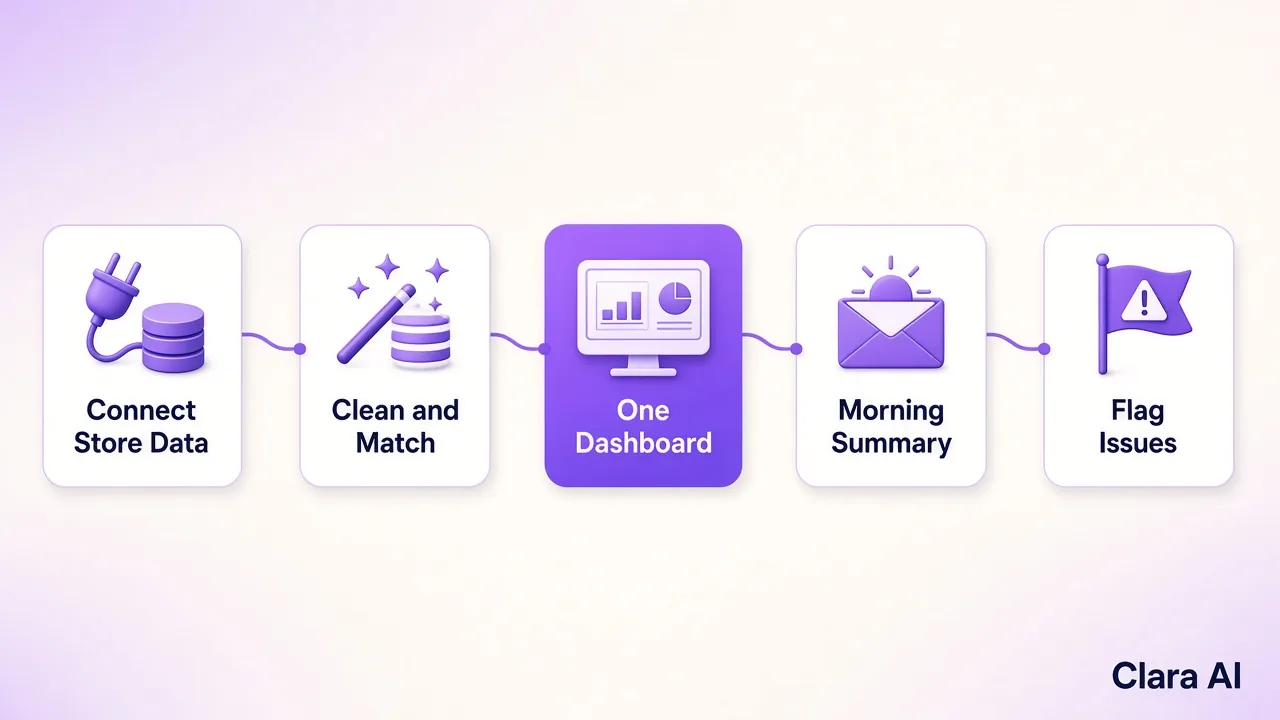
It replaces the collecting with a fixed routine that runs every day.
- Connect your sources. The system reads from your point-of-sale, your ERP and the spreadsheets stores still use.
- Clean and match the data. Product names, store names and categories are made consistent, and gaps and duplicates are caught.
- Build one dashboard. Sales, stock and targets for every store appear in one place, with the same layout each day.
- Send a morning summary. A short summary goes to the owner and store managers by email or WhatsApp.
- Flag what needs attention. Stores or products that fall outside the limits you set are marked, with the reason.
One note on WhatsApp. A business can message freely for 24 hours after the person's last message. After that, it can send only pre-approved templates. A daily summary is therefore set up as an approved template, or the owner's reply keeps the window open.
What does the owner see each morning?
A good morning summary is short enough to read over coffee. It shows:
- yesterday's sales for the whole business and for each store, against target
- the stores that are ahead and the stores that are behind
- products selling faster or slower than usual, and stock running low
- stores that have not reported, so a gap never looks like a dip
- the two or three items that need a decision today
Behind the summary, the dashboard lets the owner open any store and see the detail. Because every store is measured the same way, the comparison is fair.
Over a few weeks, the same view builds a useful record. The owner can compare this Monday with last Monday, see which stores recover quickly after a slow day and spot products that sell well together. That history turns the daily report from a chore into a planning tool, without anyone retyping a single figure.
Where do people stay in charge?
The automation collects and flags. People decide.
- Owners and managers choose what the flags mean and what to do about them. A flag is a prompt to look, not a verdict.
- Store managers review their own store's figures before they reach the owner. When a number is wrong, they correct it at the source.
- Rules are agreed with you. You set the targets, the limits that trigger a flag and who receives each alert.
- Access follows the role. A store manager sees their own store. The owner and head office see all of them.
The dashboard shows patterns in operations. It is not built to rank individual staff.
What should you prepare before starting?
A short list gets a first version moving.
- List the systems that hold sales and stock figures, and who owns each.
- Collect sample exports from each, for a recent week.
- Gather the spreadsheets stores use today, including the messy ones.
- Write down the five figures you check first every morning.
- Decide who receives the summary and when it should arrive.
- Note your baseline: how long the report takes now and when it arrives.
Can chatbots, calling agents and custom agents help?
They can, once the daily report is in place.
An operations intelligence dashboard is the base. From there, the same data can drive other work. A custom AI agent can chase a store that has not reported, or draft the explanation behind a flag. An AI chatbot can let store managers ask a plain question, such as which products are low in their store, and get an answer. An AI calling agent can follow up customer enquiries and write the outcome back, so enquiry data reaches the same dashboard as sales.
None of this is needed on day one. Most businesses start with the daily report. For the wider idea, see our guide to an operations intelligence dashboard for multi-branch retail.
Who has Clara AI built this for?
Clara AI built a "Virtual AI CEO" dashboard for Nilkamal Sleep, a retail network in India, that gives leadership one daily view of the business. Clara AI also builds calling agents for Vijay Sales, an electronics retail chain. Clara AI works with clients across India and the Gulf and is now working with companies in Europe. Every build is shaped around the client's own systems and stores. See our client work.
How Clara AI gets it built
Clara AI builds, deploys and manages daily reporting dashboards in six steps. Clara AI's chatbots and calling agents work in English and Hindi.
- Diagnose how reporting works today. We map who sends what, when it arrives and where figures disagree. We measure the baseline.
- Collect your material. You share sample exports and the spreadsheets stores use. Clara AI delivers a first demo within 7 days of receiving your material.
- Agree the measures and rules. Your team picks the figures that matter, the targets and the limits that trigger a flag.
- Build on your real data. Every figure is checked against numbers your team already trusts.
- Run beside your current reports. The new summary runs alongside the old process until managers rely on it.
- Keep managing and improving. We fix data issues, adjust rules and add stores and measures as the business changes.
Questions owners ask about daily sales report automation
How much does daily sales report automation cost?
Cost depends on the number of stores, the systems it connects to and the measures you want. Clara AI sets the scope after a diagnosis and then shares a clear proposal.
How long does it take to set up?
Setup depends on the number of sources, the quality of the data and how quickly your team agrees the measures. Clara AI delivers a first demo within 7 days of receiving your material and confirms the full timeline after diagnosis.
Does it work if some stores still use spreadsheets?
Yes. Spreadsheets can be read like any other source. They are cleaned and matched, and over time you can move those stores onto a till system if you wish.
Can the summary be sent on WhatsApp?
Yes. It can go by email, WhatsApp or both. On WhatsApp, a daily message is sent as a pre-approved template, because a business can reply freely only within 24 hours of the person's last message.
Do we need a data team?
No. Clara AI builds, deploys and manages the system, and your team reviews the figures and decides what to do.